
I was walking through a boutique client’s shop last week when I saw it: a massive, glowing screen looping high-definition lifestyle videos, yet the sales floor was a chaotic mess of unorganized inventory and confused staff. It hit me that they were treating digital signage like a shiny new toy rather than a tool. Most small business owners think slapping a few screens on the walls will magically fix their engagement or drive sales, but let’s be real—if your customer journey is already broken, a bright monitor is just a glorified distraction.
I’m not here to sell you on the latest tech specs or convince you that you need a thousand-dollar setup to look “modern.” My goal is to show you how to integrate these tools into a functional, streamlined operation that actually moves the needle. We’re going to cut through the marketing fluff and talk about how to use digital signage to support your existing workflows and communicate clearly with your customers. No hype, no wasted budget—just practical strategies to make sure your tech is working as hard as you do.
Table of Contents
- Ditch the Band Aid Using Smart Screen Technology for Retail
- Beyond the Glow Measuring True Digital Signage Roi for Businesses
- Five Ways to Make Digital Signage Actually Work for Your Bottom Line
- The Bottom Line on Digital Signage
- ## Stop Treating Screens Like Wallpaper
- The Bottom Line
- Frequently Asked Questions
Ditch the Band Aid Using Smart Screen Technology for Retail
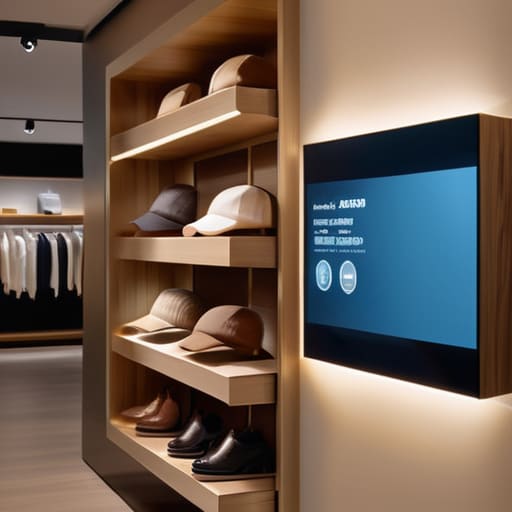
Look, I see it all the time: a boutique owner spends thousands on flashy screens just to loop a static video of a sale that ended three weeks ago. That isn’t marketing; it’s expensive clutter. If you aren’t using smart screen technology for retail to actually drive decisions, you’re just burning through your margins. These tools shouldn’t be decorative. They need to be an extension of your inventory and your brand story, reacting to what is actually happening on your floor in real-time.
To make this work, you have to move past the “set it and forget it” mentality. You need dynamic content management systems that allow you to pivot instantly. If a specific silk scarf is flying off the shelves, your displays should reflect that immediately, not wait for a manual update next Tuesday. When you integrate your screens with your actual sales data, you stop guessing and start driving omnichannel customer engagement that feels seamless. Stop treating your tech like a digital poster and start treating it like a high-performing member of your sales team.
Beyond the Glow Measuring True Digital Signage Roi for Businesses
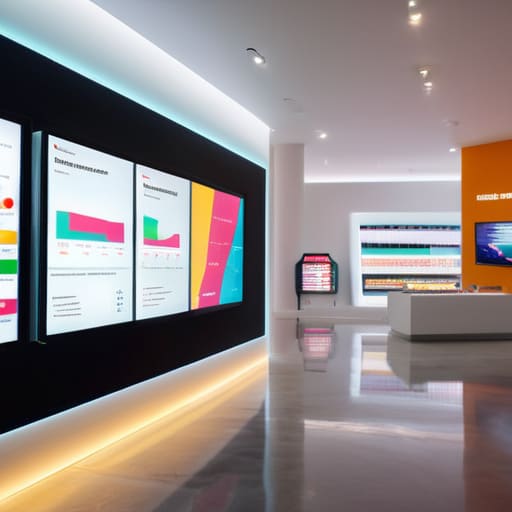
If you aren’t tracking the data, you aren’t investing; you’re just decorating. I see so many boutique owners get blinded by the “cool factor” of new screens, but if you can’t tie that glow back to your bottom line, it’s just an expensive hobby. To find your true digital signage ROI for businesses, you have to look past the initial setup costs and start measuring how these displays actually influence behavior. Are customers spending more time in specific zones? Is there a measurable uptick in sales for the products you’re highlighting on those interactive display screens? If you aren’t asking these questions, you’re flying blind.
Stop guessing and start using your dynamic content management systems to bridge the gap between digital views and physical sales. I always tell my clients: the goal isn’t just to look modern; it’s to drive omnichannel customer engagement that actually converts. You should be able to see if a promotion on a screen directly correlates with a spike in your POS data. If the numbers don’t move, change the content or kill the screen. Period.
Five Ways to Make Digital Signage Actually Work for Your Bottom Line
- Audit your content before you hit play. If you’re just looping generic brand videos that don’t drive a specific action, you’re essentially paying for expensive wallpaper. Every slide should have a clear purpose—whether it’s pushing a high-margin item or announcing a flash sale.
- Sync your screens with your actual inventory. There is nothing more frustrating for a customer than seeing a beautiful digital display for a product that went out of stock three days ago. If your signage isn’t talking to your POS system, it’s just noise.
- Keep the design clean and clutter-free. I see so many retailers try to cram every single promotion onto one screen. It’s overwhelming and looks cheap. Stick to one clear message per slide. If a customer can’t digest the info in three seconds, you’ve lost them.
- Use signage to solve real friction points. If your checkout line is always a bottleneck, use a screen to highlight your loyalty program or upcoming promotions to keep people occupied. Use the tech to manage the customer’s flow, not just to look “techy.”
- Stop chasing the “wow” factor and start looking at the data. Don’t buy a massive LED wall just because the boutique down the street has one. Ask yourself: how will this specific screen reduce labor costs or increase average transaction value? If you can’t answer that, don’t buy it.
The Bottom Line on Digital Signage
Stop buying screens just to look “modern”; if the content doesn’t solve a specific customer friction point or drive a measurable action, it’s just an expensive way to clutter your storefront.
Treat your digital displays like any other inventory or labor cost—if you aren’t tracking how they impact foot traffic or conversion rates, you aren’t investing, you’re just spending.
Use technology to simplify, not complicate. The best signage is the kind that guides a customer through your shop effortlessly, leaving them more time to actually shop and less time wondering where to go.
## Stop Treating Screens Like Wallpaper
“If you’re installing digital signage just to fill empty wall space, you aren’t marketing—you’re just increasing your electricity bill. A screen shouldn’t be a distraction; it should be a tool that drives a specific, measurable action.”
Marisol Quintero
The Bottom Line

At the end of the day, digital signage isn’t a magic wand that will fix a retail space that lacks direction. We’ve covered why you can’t treat these screens like expensive wallpaper, why you need to integrate them into your actual workflow, and—most importantly—how to track if they are actually moving the needle on your sales. If you can’t connect a screen’s content to a specific business goal, you aren’t investing; you’re just buying shiny distractions. Stop looking at the hardware and start looking at the strategy behind the pixels.
I want you to remember that every tool in your arsenal should be working toward one goal: building a business that scales without breaking you. Digital signage can be a powerful way to communicate value and streamline the customer journey, but only if it’s part of a solid, data-driven foundation. Don’t get caught up in the tech for tech’s sake. Focus on the systems that drive real revenue, and use your technology to amplify that clarity. Build a business that serves your life, not one that spends all its energy just trying to keep up with the latest gadget.
Frequently Asked Questions
How much is this actually going to cost me in terms of maintenance and electricity once the initial setup is done?
Look, I love a good tech upgrade, but I hate a “hidden” expense. You aren’t just paying for the screens; you’re paying for the upkeep. Expect a monthly line item for electricity—it adds up if you have twenty screens running 12 hours a day. Then there’s the software subscriptions and the inevitable “oops, the Wi-Fi dropped and the screen is frozen” troubleshooting. Budget at least 10-15% of your initial setup cost annually for maintenance. Don’t let it surprise you.
Do I really need a specialized team to manage the content, or can my current staff handle it without it becoming a massive time sink?
Look, if you try to dump this on your floor manager without a plan, it will become a time sink. Your current staff can absolutely handle it, but only if you build a system first. Don’t just hand them a login and hope for the best. Create a simple content calendar and set strict templates. If it takes more than fifteen minutes a week to update, your process is broken and you’re wasting precious labor hours.
What happens if the technology breaks during a peak sales period—how do I ensure this doesn't become another layer of operational chaos?
Look, I’ve seen it happen: a screen goes black right when the Saturday rush hits, and suddenly your team is scrambling instead of selling. To avoid that chaos, you need a fail-safe. First, demand hardware with “offline mode” capabilities so your content keeps looping even if the Wi-Fi hiccups. Second, build a manual backup plan—printed signage isn’t “old school,” it’s insurance. Don’t let a glitchy pixel turn a busy day into a disaster.
